 By Lexithemehub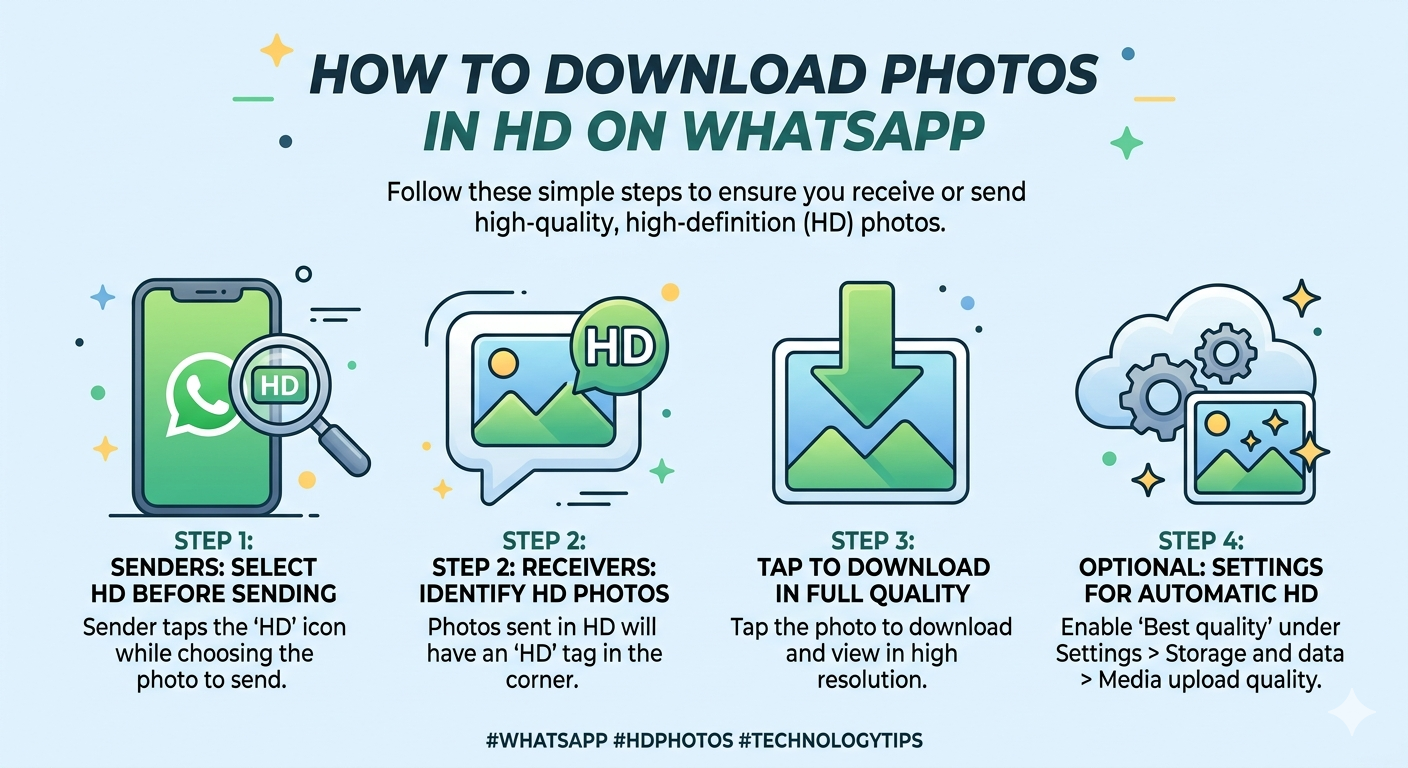
Getting clear, high-resolution images on WhatsApp is now easier than ever if you know the right settings and tricks. By default, WhatsApp compresses photos to reduce file size and save data, which can lead to blurry or low-quality images. This guide explains how to download photos in HD on WhatsApp while maintaining clarity, making it perfect for users who value quality.
WhatsApp uses automatic compression to ensure faster uploads and downloads, especially in areas with limited internet speed. While this improves performance, it often reduces sharpness, color accuracy, and overall resolution.
Best Methods to Download HD Photos on WhatsApp
1. Use the Built-in HD Photo Feature
WhatsApp now allows users to send images in HD quality:
- Open any chat
- Tap the attachment icon
- Select a photo from your gallery
- Tap the “HD” button at the top
- Send the image
Once received, simply download the image normally to keep its enhanced quality.
1. Send and Receive Images as Documents
This is one of the most reliable ways to avoid compression:
- Tap the attachment icon
- Select Document instead of Gallery
- Choose the image file
- Send
Images sent this way retain their original resolution, making this method ideal for professional or important photos.
3. Adjust WhatsApp Storage and Data Settings
Optimizing your settings ensures smoother downloads:
- Open WhatsApp
- Go to Settings > Storage and Data
- Enable Media Auto-Download for photos
This helps you receive images faster, though quality still depends on how the sender uploads them.
4. Download Photos via WhatsApp Web
Using WhatsApp Web can sometimes improve file handling:
- Open WhatsApp Web on your browser
- Open WhatsApp Web on your browser
- Navigate to the chat
- Download the image directly
This is especially useful when transferring photos to your computer without extra compression.
Pro Tips for Maximum Image Quality
- Avoid forwarding images multiple times
- Always request images in HD format
- Avoid forwarding images multiple times
- Save images immediately after receiving them
Downloading high-quality photos on WhatsApp doesn’t have to be complicated. By using the HD feature, document sharing, and optimized settings, you can enjoy sharp, clear images every time. Apply these simple techniques today and take full control of your photo quality on WhatsApp.
Stay up to date with helpful and reliable technology content by following Lexithemehub Media. By following Lexithemehub Media on X @lexithub you can access curated posts and community discussions.

Tech simplified.