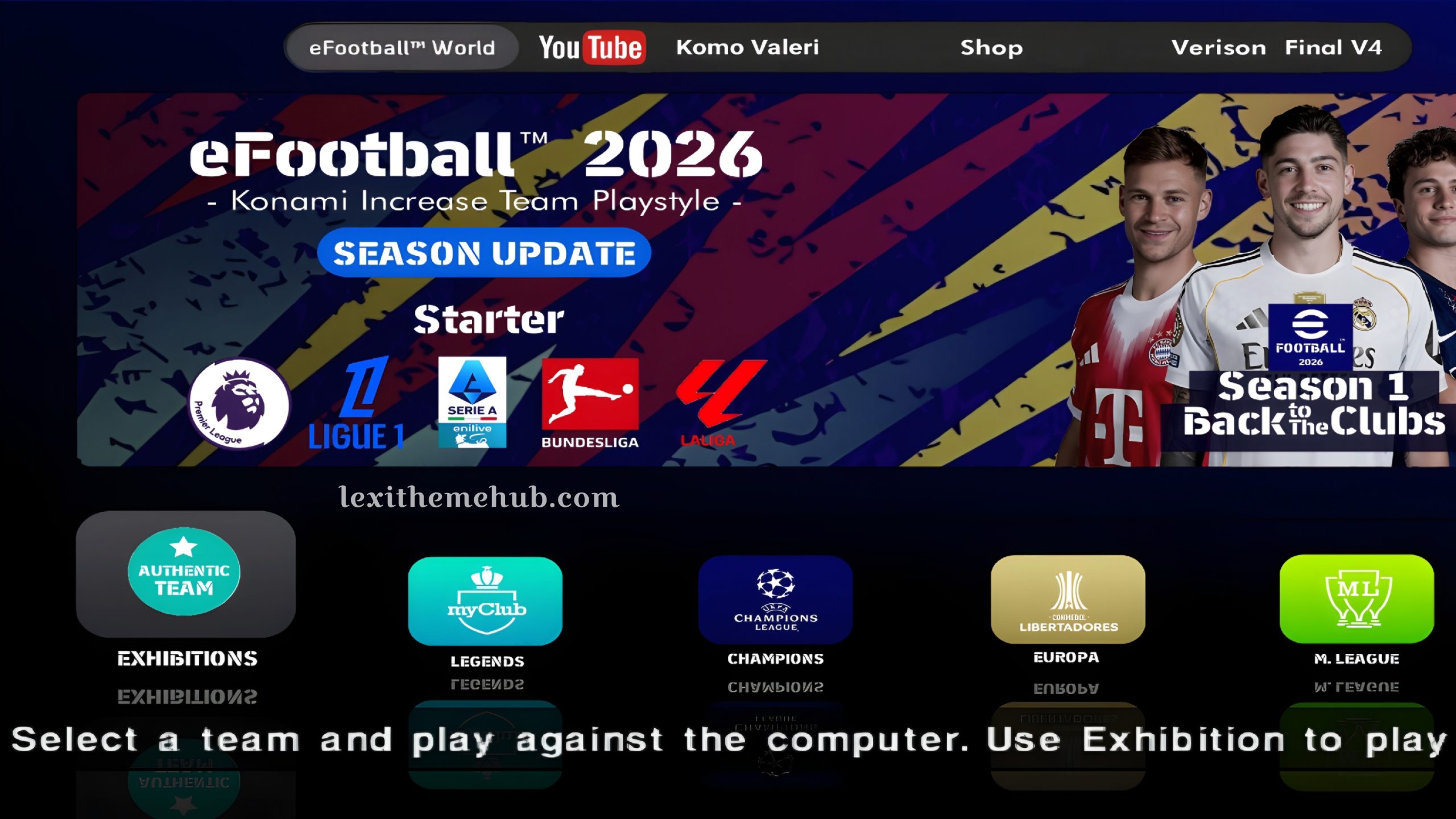
KONAMI and FIFA have extended their esports partnership until 2026, confirming the FIFAe World Cup featuring eFootball on mobile and console for 2025 and 2026, with an expanded qualification process.
Konami has been celebrating eFootball’s 30th anniversary with various campaigns, including free chance deals for players, selection contracts, and the introduction of legendary players like Wayne Rooney and Gareth Bale as “Epic Legends Assemble.” eFootball 2026 has an enhanced and polished gameplay experience for interested players. This PES-revamped game, eFootball 2026, grants you football games that showcase exceptional gameplay realism. The language used in this psp game already uses English and is equipped with commentators in the match, so that it will provide an exciting playing experience to its players. The voice of the commentator in this eFootball edition is Peter Drury. For those of you who enjoy football, you must be familiar with this commentator. In this psp game it is equipped with features such as jerseys and player transfers that have been adjusted to current football conditions.How to Setup and Play eFooball 2026 Season Update
After downloading all the game files, make sure that the zarchiver application and the ppsspp emulator are installed on your Android smartphone. Open the Zarchiver application then look for the game file that you have downloaded, usually in the download or ucdownloads folder. Click the eFootball psp file then select extract, move it to device memory/psp/game (paste in the game folder). Click the Savedata file then select extract, move it to device memory/psp/savedata (paste in the psp folder). Click the Textures file then select extract, move it to device memory/psp (paste in the psp folder). Next, open the ppsspp emulator then go to the settings/system/language menu (select Espana or Espanol). Click and select juegos/psp/game/click the game image to start the game.How to Install Camera Files
Click the Camera Pack file then select extract. Open the extracted folder. Select and open one of the camera mode folders that you want to use. Click and hold on the EBOOT.OLD file and then select cut or copy. Move to device memory/psp/game/psp_game/sysdir (paste in sysdir folder).Credits
- KOMO VALERI
- Tweentyfivegaming
Features Update
- New Season Update Transfer 2025 - 2026
- Fix Squad, Age and Height Formation, Position, Captain
- New Background and Display
- Updated New Faces And Hair
- New Kit and Minikit PS5
- Camera Normal and Camera PS5
- Theme & Background eFootball 2026
- Adboards & Stadium eFootball 2026
- Full European Competition
- New Kits 2026
- Premier League
- Ligue 1 France
- Series A
- The Santander League Bonded
- Graphics 4K
- UEFA Champions League
- Libertadores Cup
- New Scoreboard eFootball 2026
- New Balls and more…
eFootball 2026 PPSSPP Season Update New Kits 4K Graphics
To be able to use it, you have to download the zip file first via the download link that we provide below. You can also learn more on how to configure and play PSP games on android with PPSSPP Emulator here.| Name | eFootball 2026 |
| Game Version | v4 |
| Genre | Sport |
| Total file Size | 1.3 GB |
| Released | 2025 |
| Game File | Click here |
| Savedata | Click here |
| Textures | Click here |
| Shaders | Click here |
| Camera Pack (PS4 & PS5 Camera) | Click here |

By Lexithemehub
