Are you looking for a cheap data plan in Nigeria that delivers both value and performance? The Glo Special Data 6 GB for 1000 naira is one of the most attractive offers from Globacom Nigeria, designed to help users enjoy more data at a budget-friendly price. This plan is ideal for streaming, browsing, social media, and even light remote work.
The Glo 6 GB for 1000 naira is a promotional data bundle available to selected subscribers. Unlike regular plans, this special offer provides extra data volume at a reduced cost, making it highly appealing for users who want to save money while staying connected. With 6 GB of data, you can:- Browse websites and blogs smoothly
- Stream videos on platforms like YouTube
- Chat and make voice/video calls on WhatsApp
- Use social media apps without interruptions
Key Features and Benefits
1. Cost-Effective Data Plan This plan is perfect for users searching for affordable internet bundles in Nigeria. At just 1000 naira, you get more value compared to standard pricing. 2. Fast and Reliable Connectivity Powered by Globacom Nigeria, users can enjoy stable browsing speeds on supported 4G networks. 3. Ideal for Everyday Use Whether you’re a student, freelancer, or business owner, this data plan supports daily online activities without frequent top-ups.How to Activate Glo Special Data 6 GB for N1000
Subscribing to this plan is simple. Follow these easy steps: 1. Dial *312# on your Glo SIM. 2 Select “Data Plans”. 3 Navigate to “Special Offers”. 4 Choose 6 GB for 1000 naira. 5 Confirm your subscription. You can also manage your subscription via the Glo Cafe App, which offers a convenient way to track usage and renew plans.Eligibility for the Offer
The Glo 6 GB for 1000 naira is a targeted promotional offer, meaning not all users may see it. Globacom Nigeria selects eligible customers based on usage and recharge patterns.How to Increase Your Chances:
- Use your Glo SIM regularly
- Recharge frequently
- Check promo offers via *312# often
Tips to Manage and Save Data
To maximize your 6 GB bundle:- Stream videos in standard quality instead of HD
- Turn off automatic app updates
- Use Wi-Fi for large downloads
- Monitor usage through the Glo Cafe App
How long does the data last?
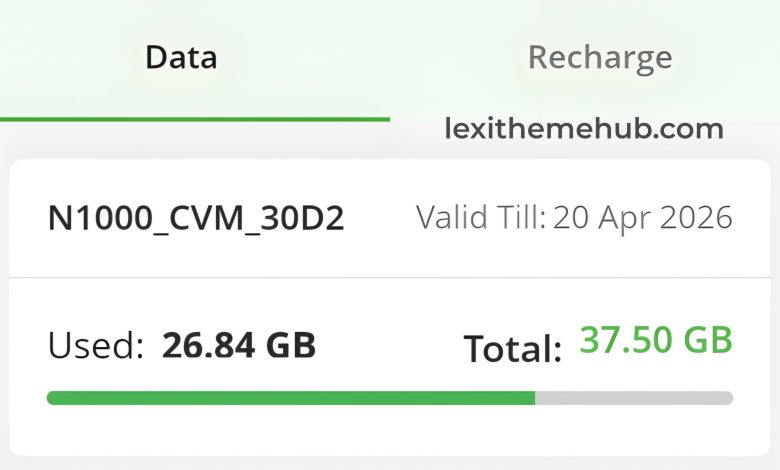
The validity period may vary, but it is usually valid for 30 days. Always check before subscribing. The Glo Special Data 6 GB for 1000 naira remains one of the best cheap data plans in Nigeria for users who want more data without spending too much. With strong value, decent speed, and flexible usage, it’s a smart choice for budget-conscious internet users. Disclaimer: This article is for informational purposes only. Data plans, pricing, and availability may change at any time. Always confirm details via official channels like *312# or the Glo Cafe App before subscribing.